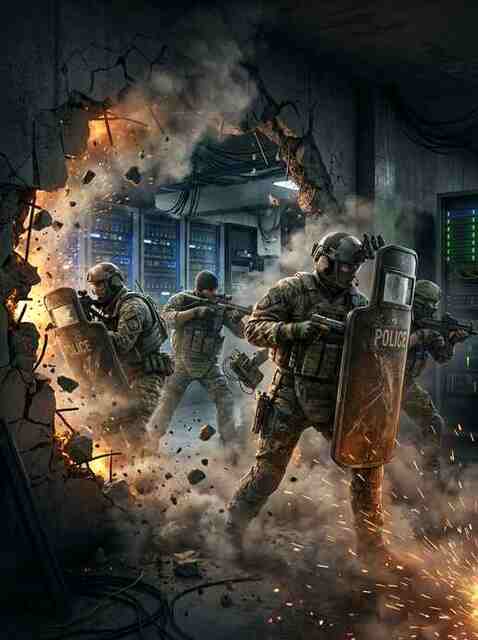
1. Choosing the Right In-Game Dynamic Range Preset (Night Mode)
In tactical shooters like Rainbow Six Siege, Counter-Strike 2, and Escape from Tarkov, the decibel gap between a distant crouch-walk footstep and a point-blank C4 explosion can exceed 45 dB. Cranking your master volume high enough to hear footsteps at default "Hi-Fi" dynamic range risks permanent hearing damage when gunfire erupts. Switch the in-game Dynamic Range setting to "Night Mode" (or "Midnight / Low Dynamic Range"): this compresses loud explosive peaks while bringing quiet footstep transients forward in the mix.
2. The Four Core Frequency Bands of Competitive Game Audio
Using Equalizer APO (with Peace GUI) or your DAC/headset parametric EQ, apply gentle 2.5 dB to 4.0 dB adjustments rather than extreme +10 dB spikes that distort directional cues: (1) Cut 60Hz–110Hz by -3.5 dB to reduce muddy grenade rumble and ambient map hum; (2) Boost 350Hz–500Hz by +2.0 dB for wooden floorboard thuds; (3) Boost 1.8kHz–2.5kHz by +3.0 dB for gravel crunch, weapon reload clicks, and defuser taps; (4) Keep 6kHz–8kHz flat or -1.5 dB to prevent flashbang ringing and rifle sibilance.
3. Sound Propagation & Destructible Wall Acoustics
Unlike standard occlusion engines that simply muffle sound through walls, Rainbow Six Siege propagates audio along the shortest open physical path (around doorways, through drone holes, and via skylight shafts). Shooting a single pistol bullet hole into the bottom corner of a soft drywall panel opens a direct acoustic port into the adjacent hallway, letting you hear attackers planting or rappelling with crystal clarity.